

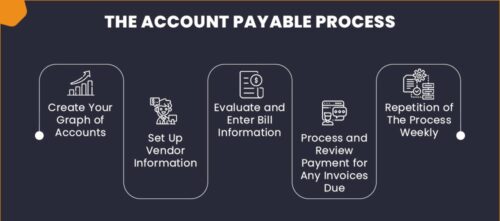
Scenario 1: The user has entered an Incorrect Number and Accounted the Invoice, Then the Business user wanted to change the Invoice Number.
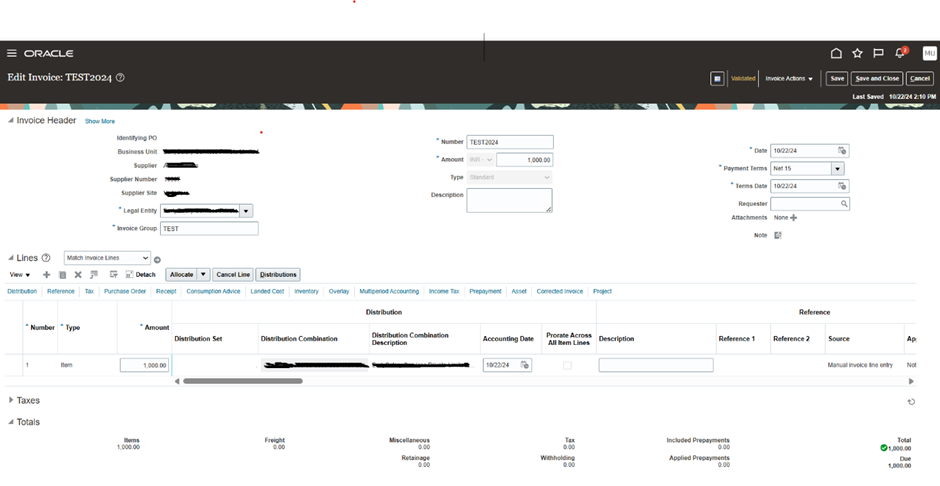
1.Open the Invoice and click on ‘Edit’
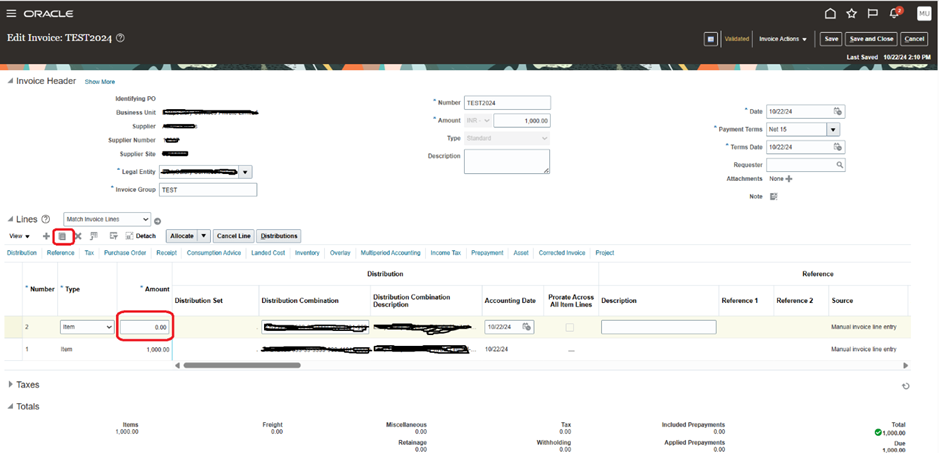
2. Click on the Invoice Line and click on Duplicate and create another line with Zero Amount.
3.Now as you see the Invoice Number is ‘Editable’
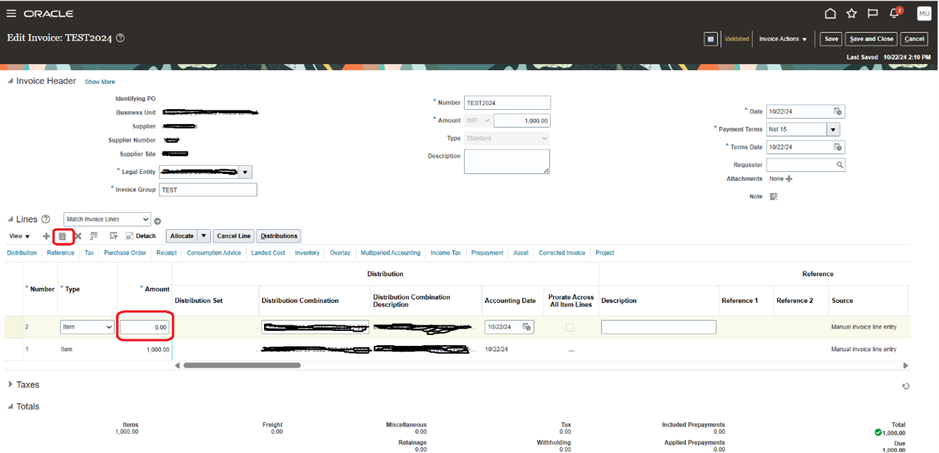
4.Change the Invoice Number and click on ‘Save’ and ‘Validate ‘the Invoice.
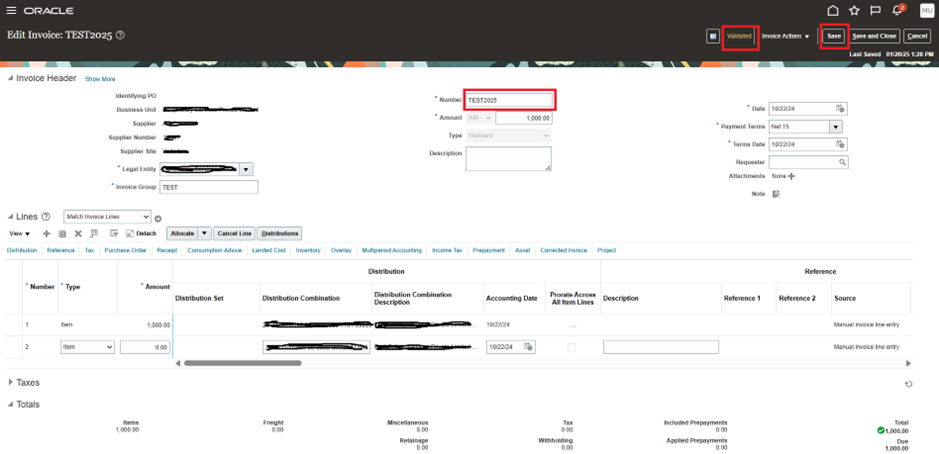
5.Like this we can ‘Edit’ the Invoice Number without any Hassel.
Scenario 2: The Business has wrongly used the Invoice Number for different suppliers.
We can follow the above steps for scenario 2 also by changing the Invoice number with any suffix and create a New Invoice with the Same Number.





Leave a Reply
You must be logged in to post a comment.